
AbleSet
Jump Modes
AbleSet allows you to choose between five different modes when jumping between songs and sections. You can choose your preferred jump mode in AbleSet's settings:
- Quantized: Jumps to the selected song or section while respecting your global quantization setting in Ableton Live
- End of Section: Jumps when the end of the current section is reached, giving you more time to select what section to play next
- End of Song: Jumps when the current song has ended. If the song ends with a STOP locator, playback stops. If it ends with a SONG END locator, the selected song will immediately play
- Dynamic: When jumping to a section, jumps at the end of the current section. When jumping to a song, jumps at the end of the current song
- Manual: Jumps only when playback stops, e.g. when a STOP locator is reached or when you manually press pause/stop
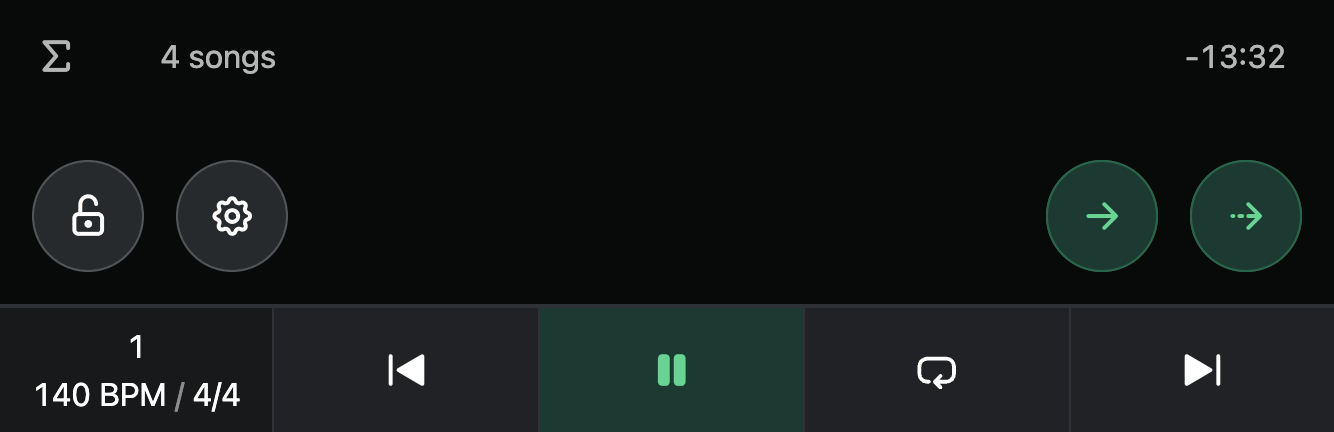
When using End of Section, End of Song, Dynamic, or Manual jump modes, jumping to a song or section first queues and highlights it. You'll see two buttons appear on the bottom right of the setlist view that allow you to jump to the queued section either in a quantized manner (left) or immediately (right):
Live Jumping
This table shows when you can queue a song or section while Live is playing with the different jump modes:
Single-File Mode
| Quantized | End of Section | End of Song | Dynamic | Manual | |
|---|---|---|---|---|---|
| Songs | Yes | Yes | Yes | Yes | Yes |
| Sections with locator | Yes | Yes | Yes | Yes | Yes |
| Sections without locator | No | No | No | No | Yes |
Multi-File Mode
| In Current Song | Quantized | End of Section | End of Song | Dynamic | Manual |
|---|---|---|---|---|---|
| This song with locator | Yes | Yes | Yes | Yes | Yes |
| This song without locator | No | No | Yes | Yes | Yes |
| Sections with locator | Yes | Yes | Yes | Yes | Yes |
| Sections without locator | No | No | No | No | Yes |
| In Other Songs | Quantized | End of Section | End of Song | Dynamic | Manual |
|---|---|---|---|---|---|
| Songs | No | No | Yes | Yes | Yes |
| Sections | No | No | Yes | No | Yes |
This page was last modified on 2026-07-27